
cyberstormfx.com / features
Features
What CyberStorm does, group by group, using the names you will see in the app.
cyberstormfx.com / features
What CyberStorm does, group by group, using the names you will see in the app.
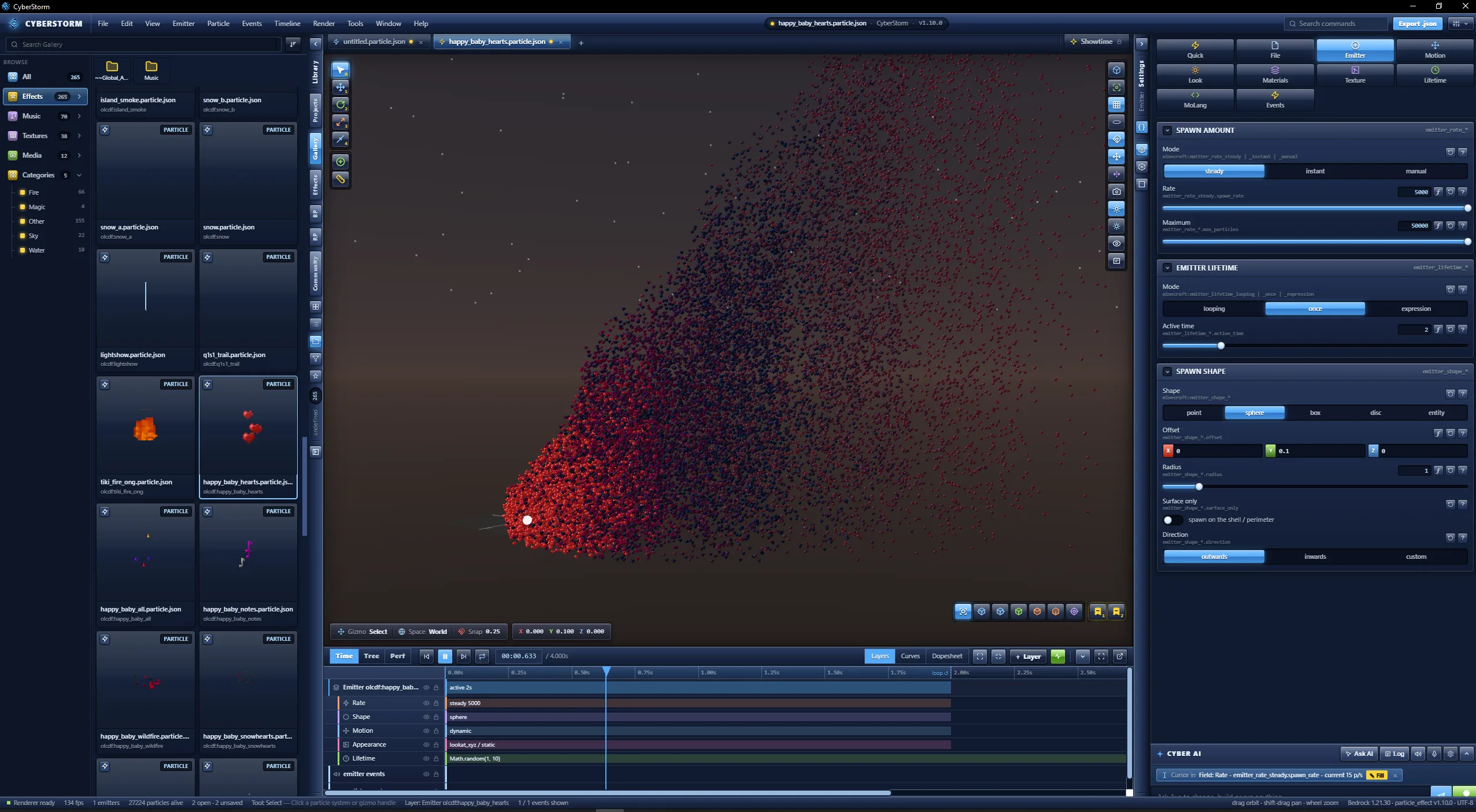
01 · EDITING
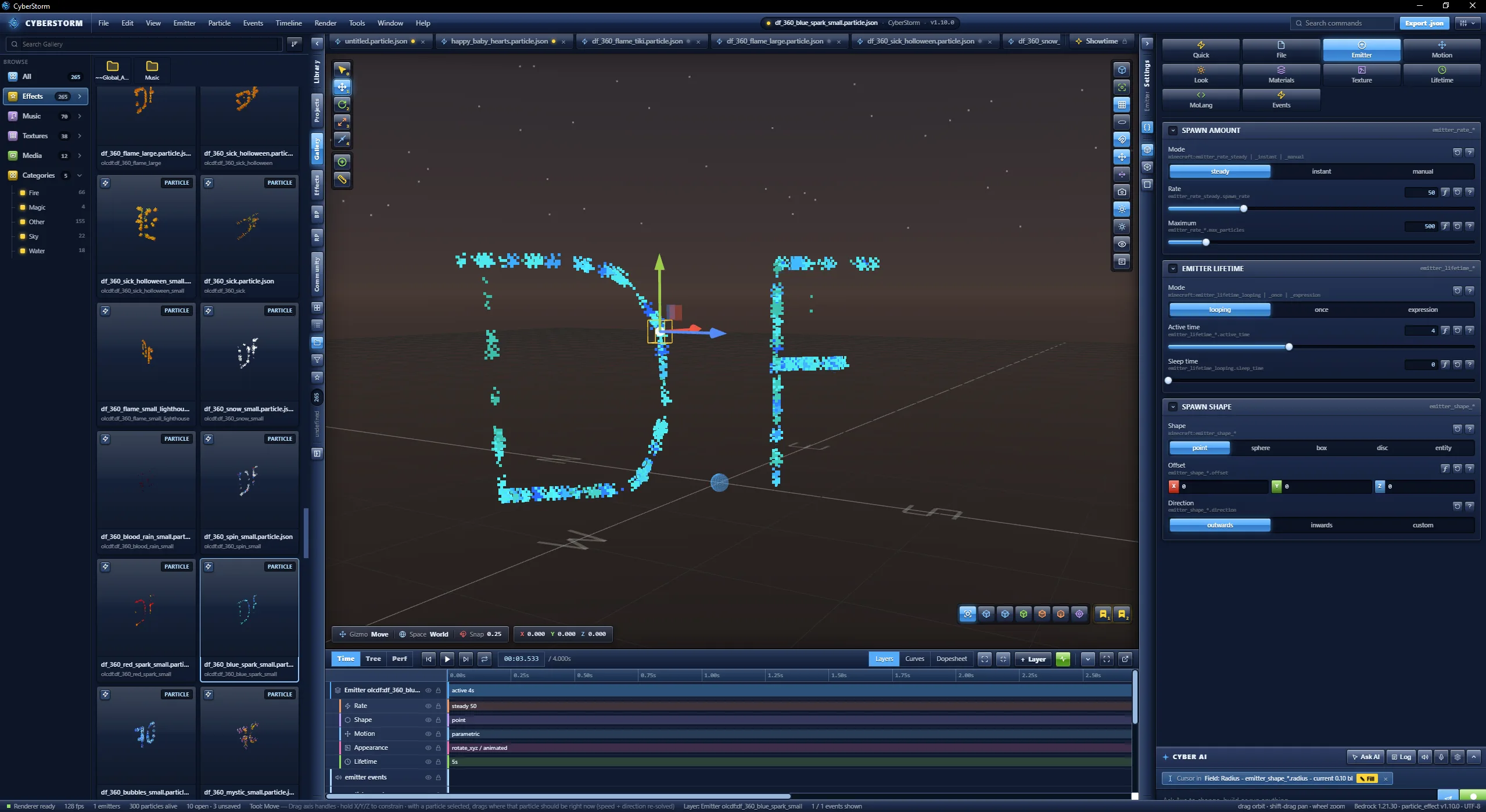
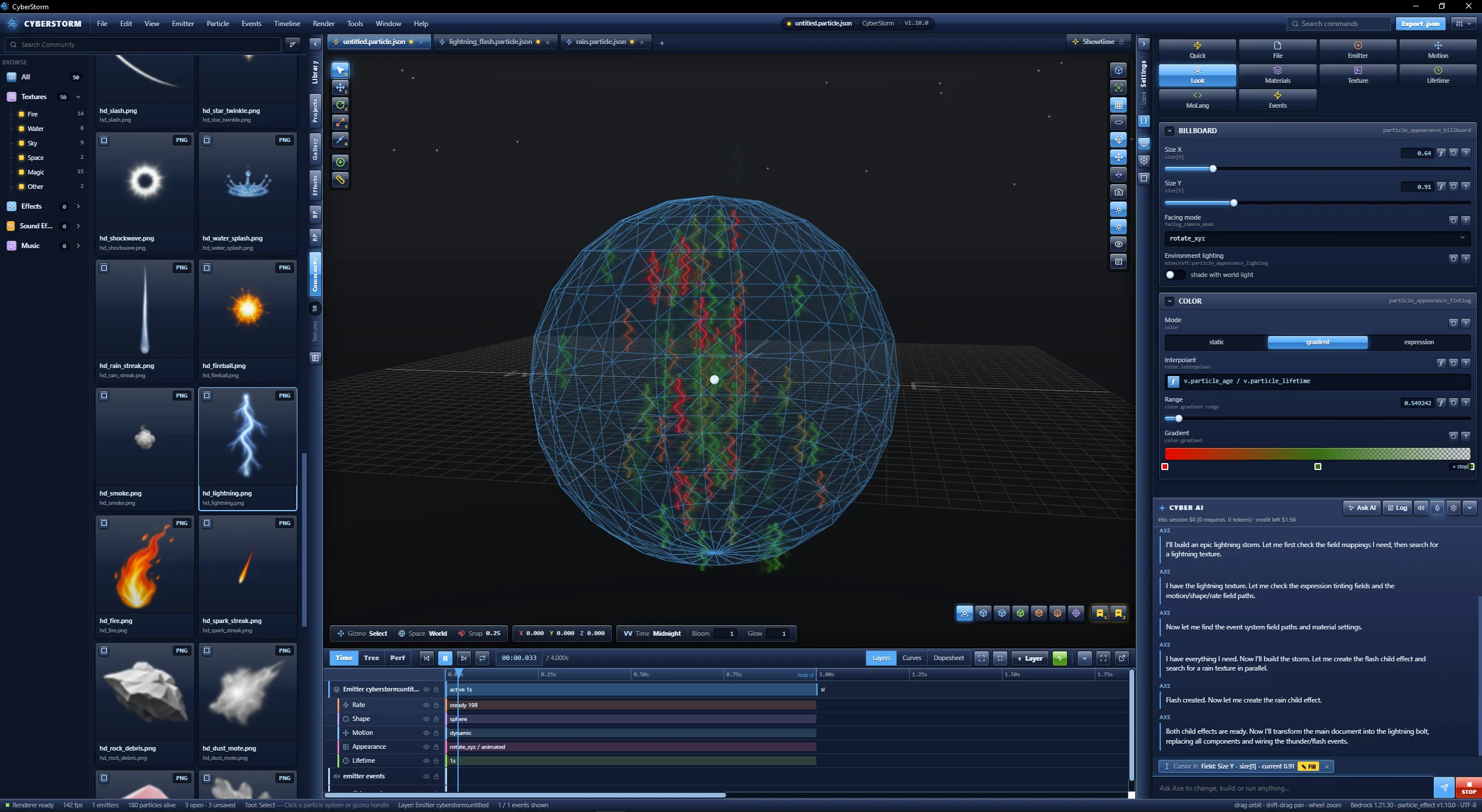
Emitter rate, lifetime and shape. Motion, rotation and collision. Appearance, color, texture and UV. Particle lifetime, kill plane, block expiry lists and Molang variables.
02 · VIEWPORT
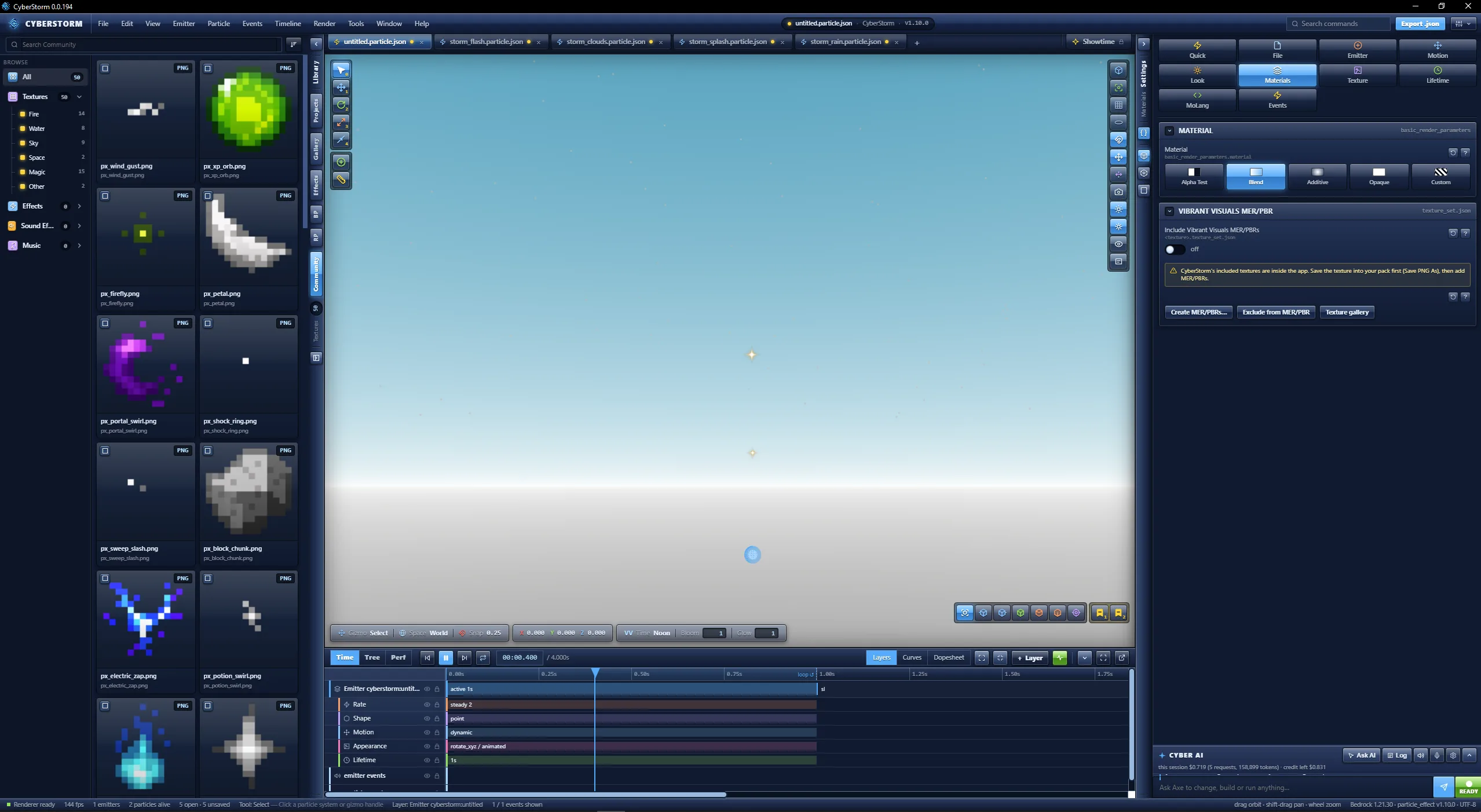
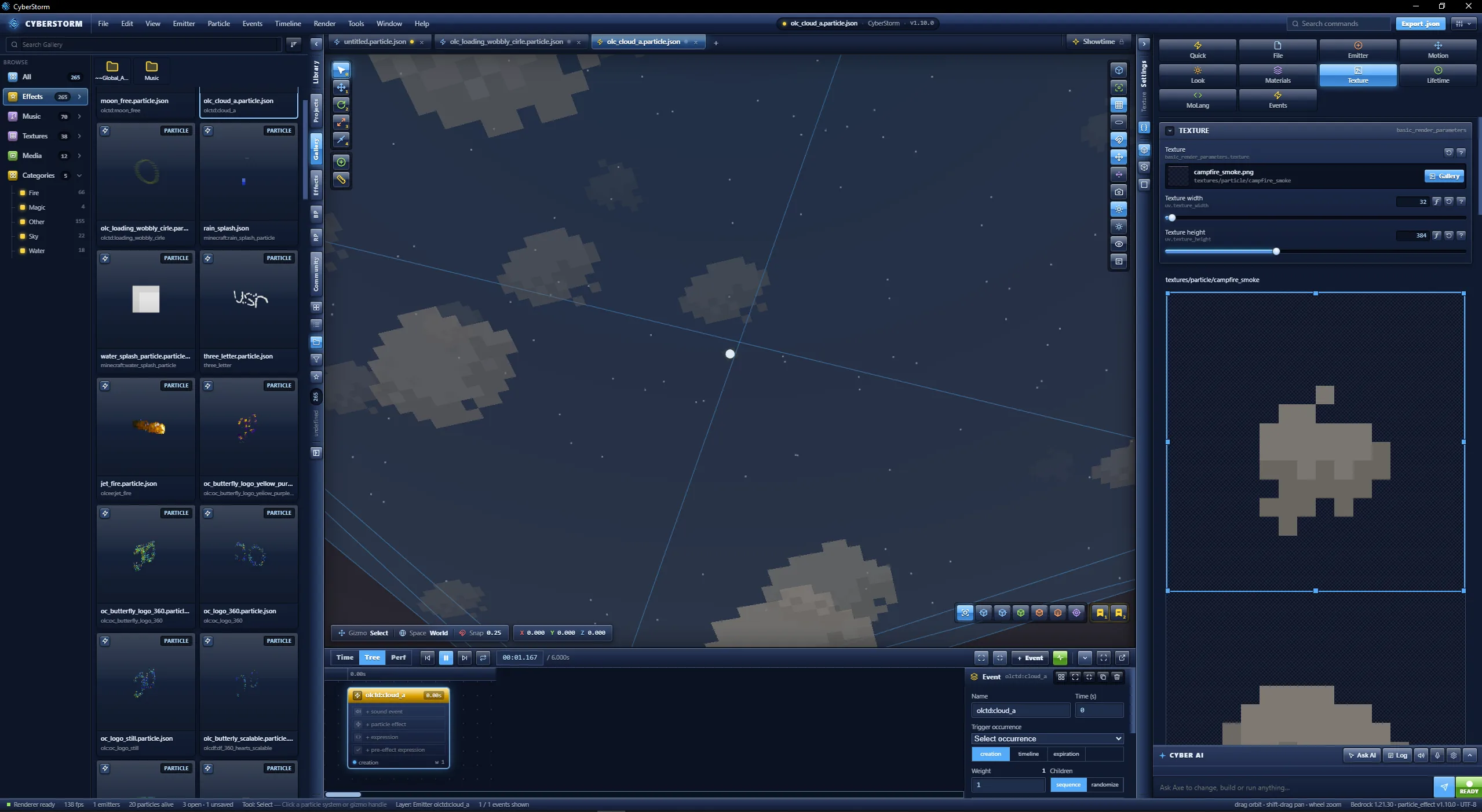
Additive, blend, alpha-test and opaque materials render with Bedrock's depth and blend rules.
Instanced rendering on worker threads
100,000 particles at 29.5 fps10,000 particles at 118 fps
Measured on the developer's machine, version 0.0.136.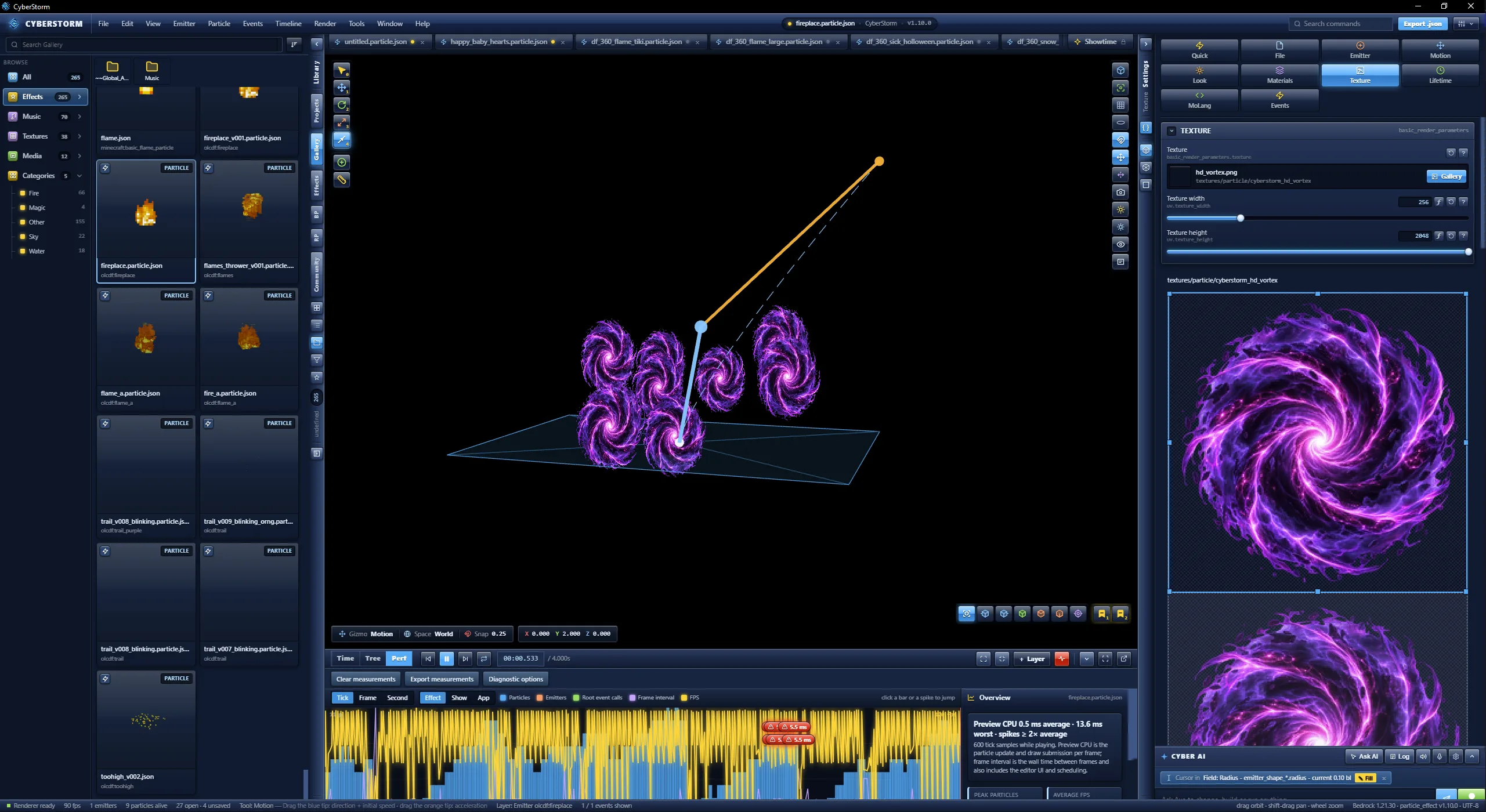
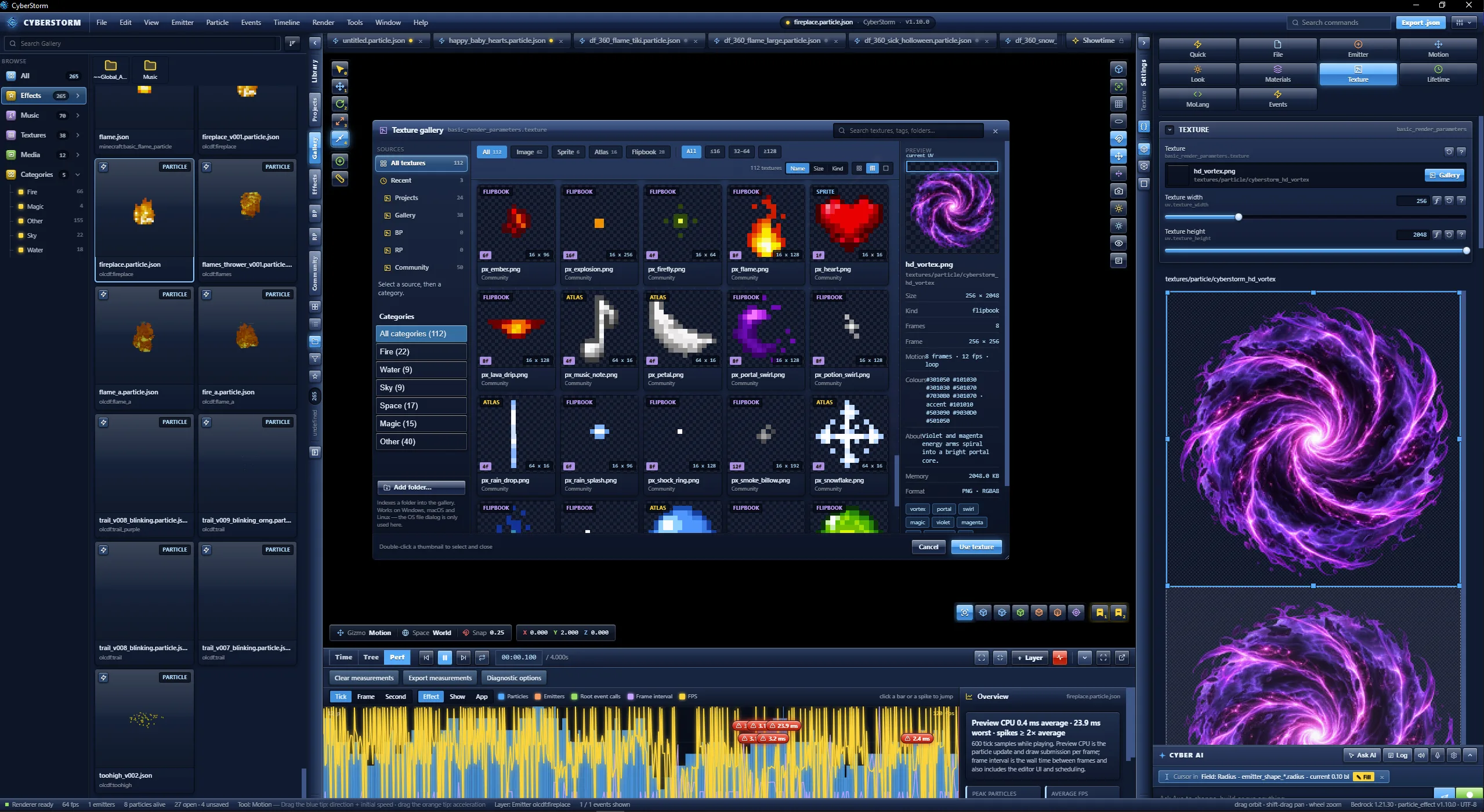
03 · TEXTURES
04 · EVENTS AND TIME
An event graph with sequence and randomize branches, child effects and sounds, and creation, expiration, timeline, travel-distance and collision triggers. The event inspector renames events and updates every reference. Validate event graph reports missing references and bad weights.
Layers, keyframes, snap and zoom, with a curve editor for linear, catmull_rom, bezier and bezier chain curves. Split or joined handles, safe delete with reference replacement, and Bind curve to particle field.
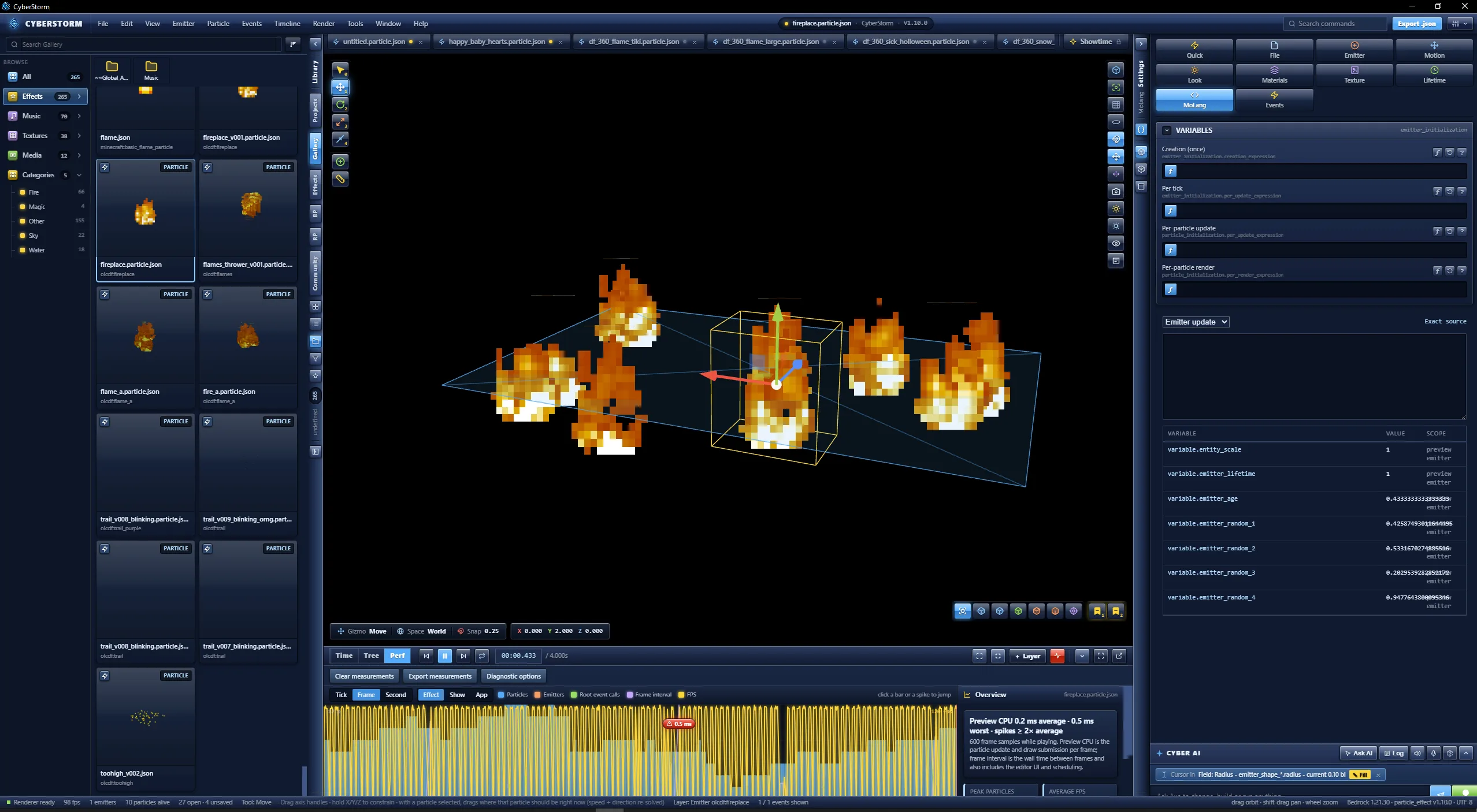
Measured particle and emitter counts, root event calls, frame interval, FPS and preview CPU per frame, tick or second. Jump the playhead to a spike, export to JSON, or Fix with Axe. It reports measurements only, with no scores or budgets.
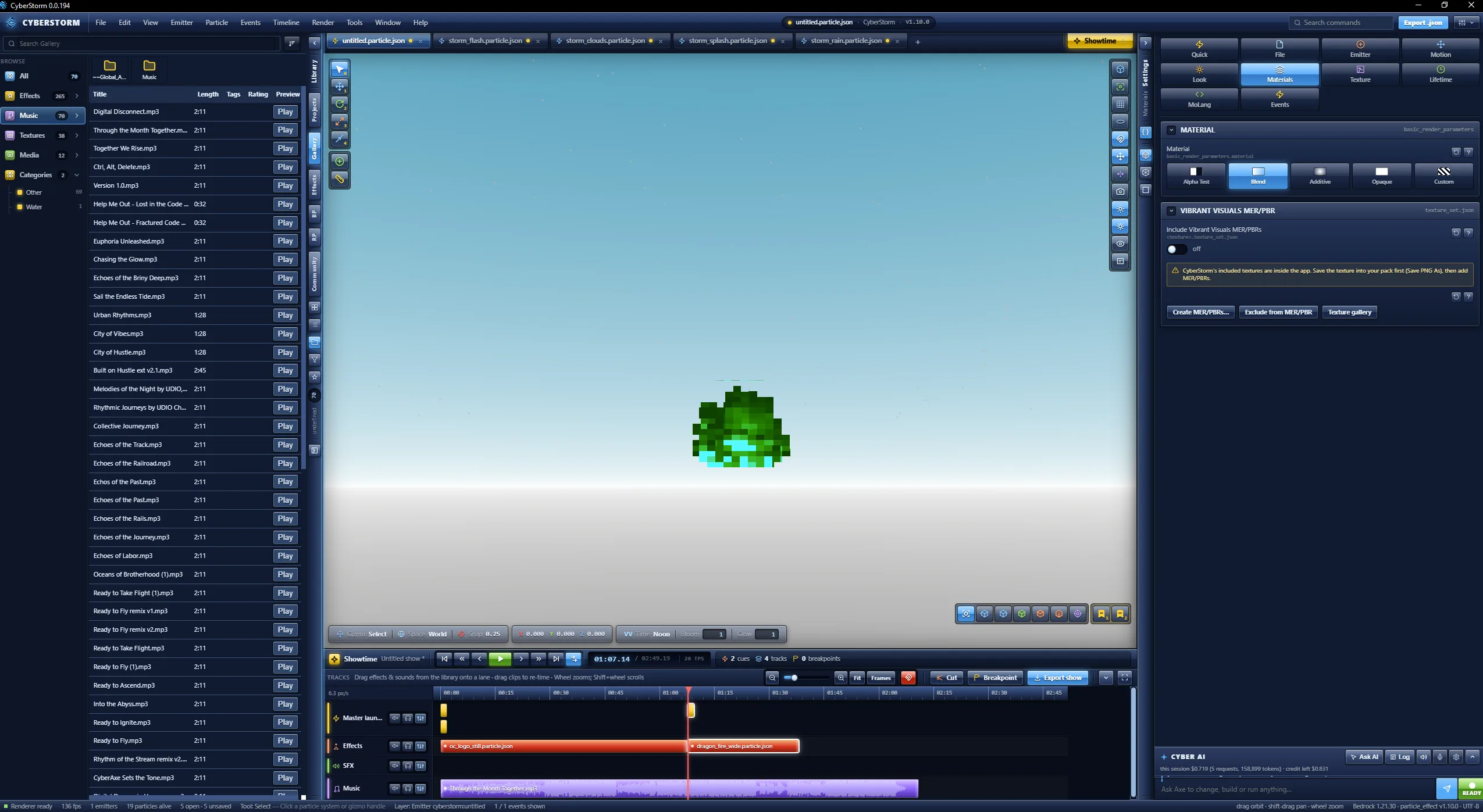
05 · SHOWTIME
06 · LIBRARY
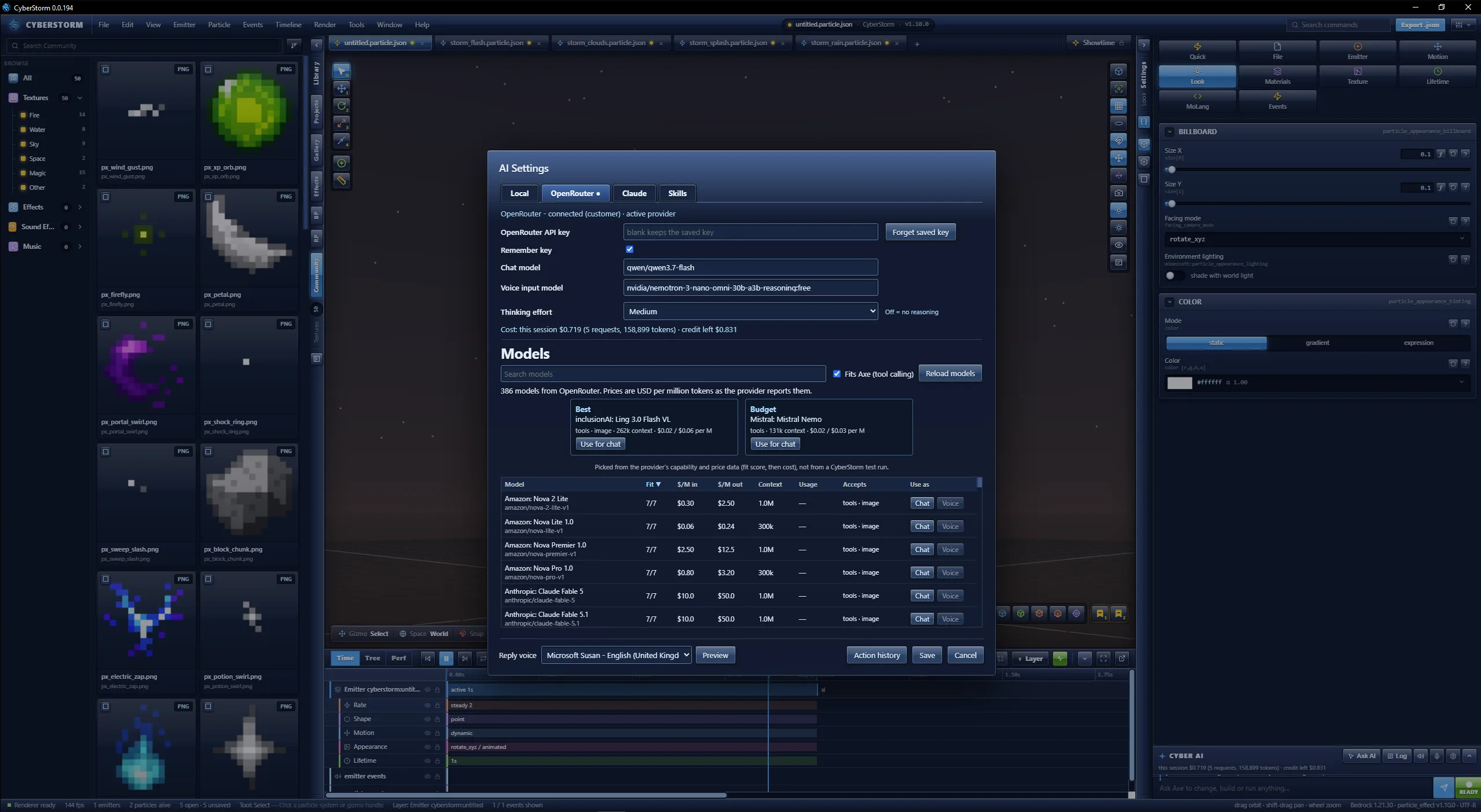
07 · CYBER AI
Free for Windows x64. Back up your packs first.